
Book a demo
See Kuber run a shift like yours
A [Demo length] walkthrough with [Team], built around how your restaurant takes orders, cooks and gets paid.
Prefer email? hello@kuberpos.com
Step 1 of 2
Details received
Last step: pick your time
Our booking calendar opened in a new tab. Choose a time there and Google Calendar emails you the invite, with a link to reschedule if you need to.
PlanNot set
LocationsNot set
Restaurant typeNot set
You want to seeA full tour
In the demo
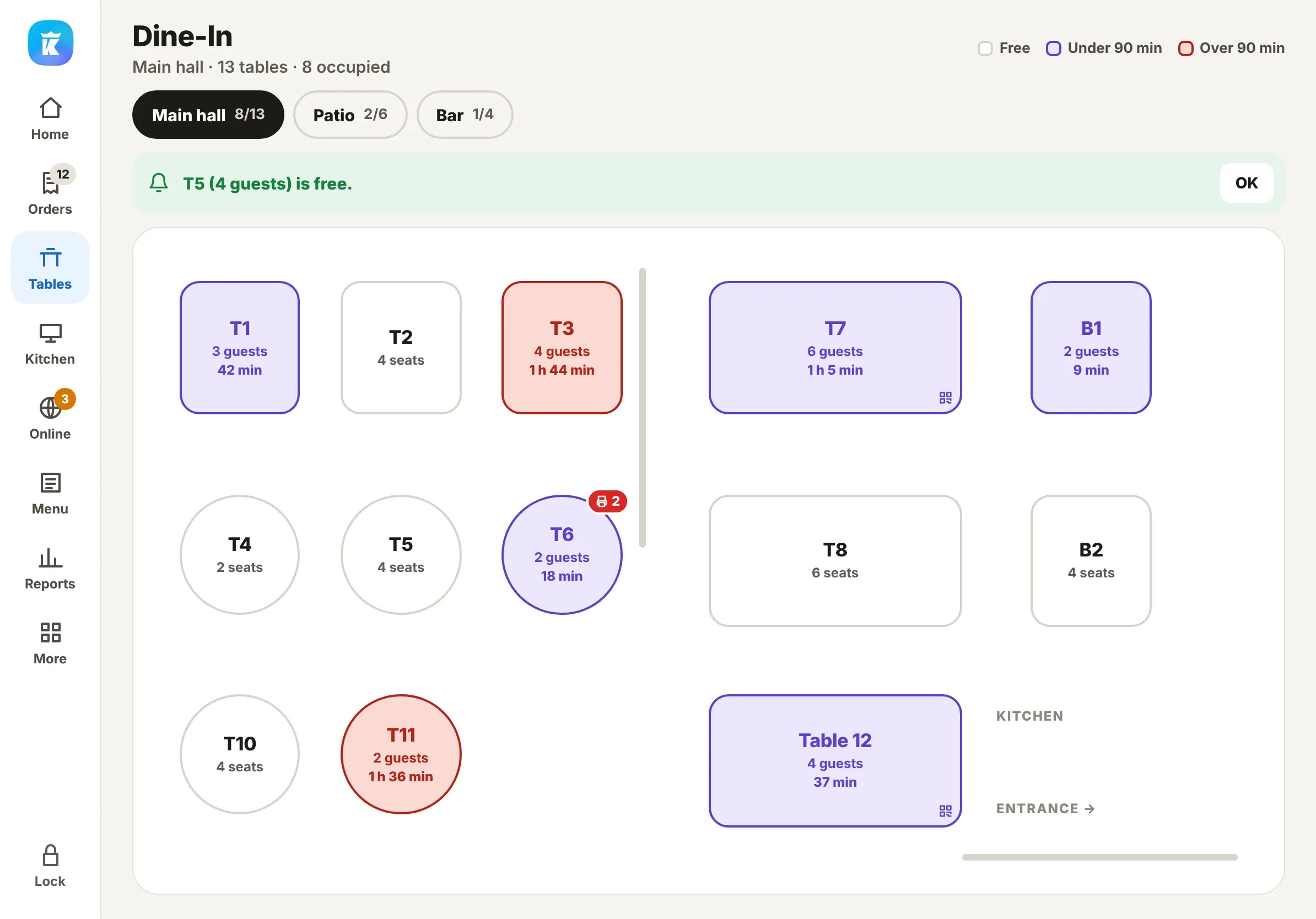
- Orders from the counter, the table, QR, kiosk and online, all on one screen
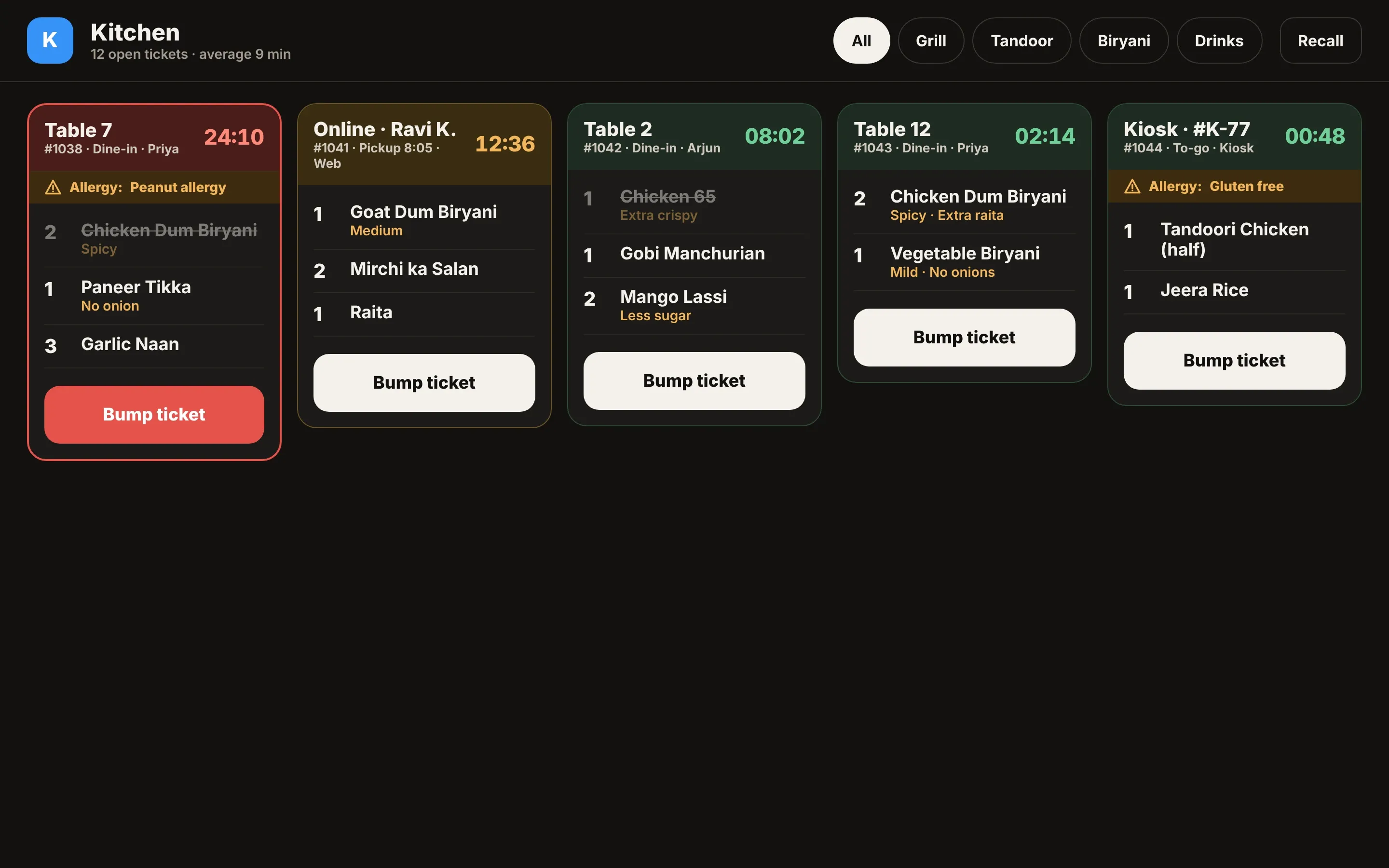
- Tickets on the kitchen display, and payment at the table or the counter
- Delivery partners, reservations, reports and Ask Kuber, as you need them
What happens next
- 01You pick a timeChoose a slot on our booking calendar. The invite lands in your inbox straight away.
- 02We walk your menu and floor[Demo length] with [Team], on the parts you picked.
- 03You get a setup planDevices, menu and go-live steps. Most setups take [Setup time].
Runs on the iPad you have
Keeps taking orders offline
Uber Eats, DoorDash and Grubhub, connected directly
Pick where to start
Not ready to book yet? See how Kuber fits the way you serve.
FAQ
How long is the demo?
[Demo length]. We spend it on the parts you picked in step 2, using a menu and floor like yours.
Can you help move my menu from my current POS?
Tell us your current POS in step 2 and we’ll cover it on the call. [Migration help details.]
Do I need new hardware?
Kuber runs on iPad and Android tablets, phones, Mac, Windows and the browser, so you can start on what you have. Your setup plan lists anything else you need. [Setup time.]